See every change, flag, and approval in one place
Progress Dashboard shows you what the agent is doing across all your campaigns: the issues it's flagged, the changes it's made, and what's waiting for your approval.

Full oversight, no digging around
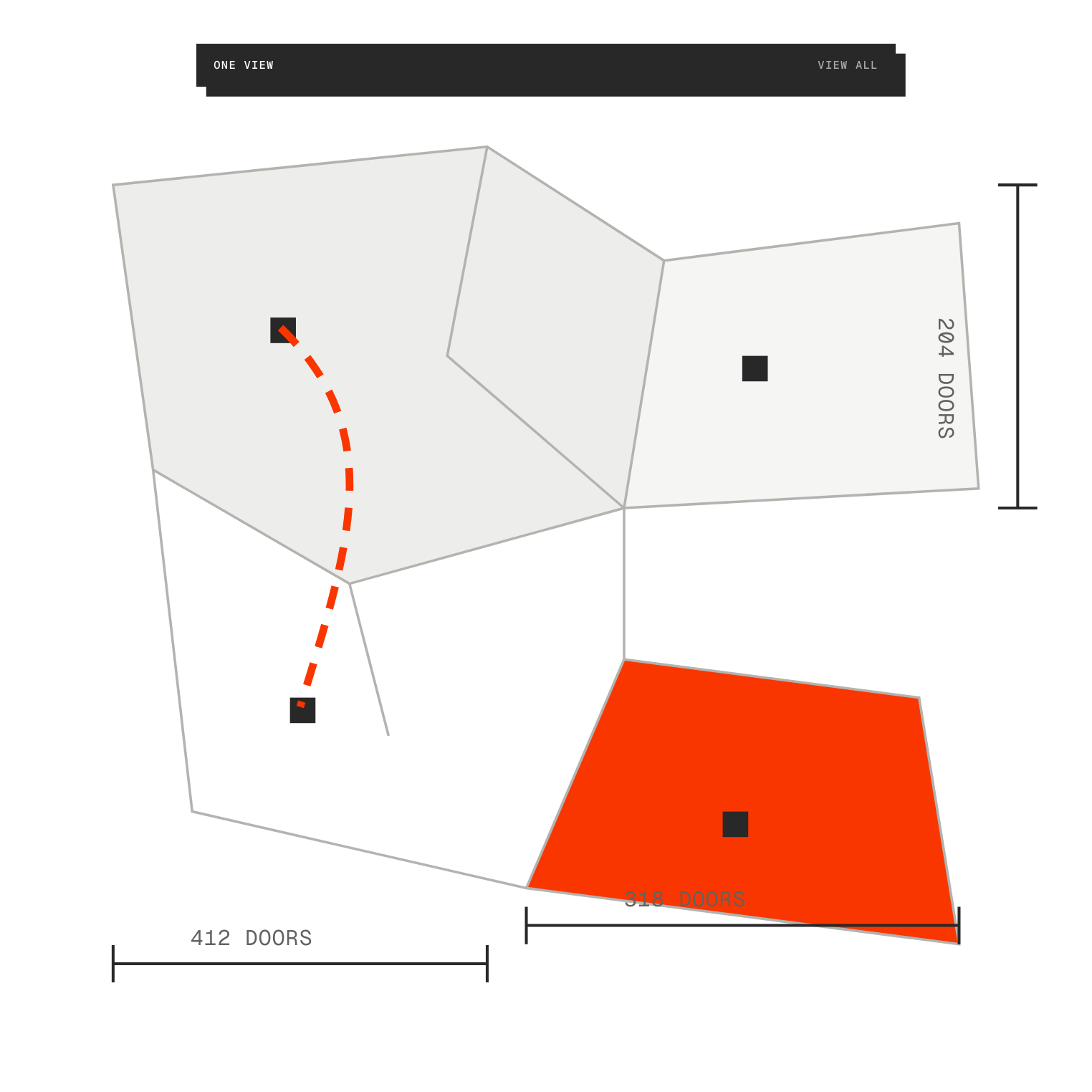
Every campaign in one place
See what Progress is doing across all your active campaigns without opening each tool.
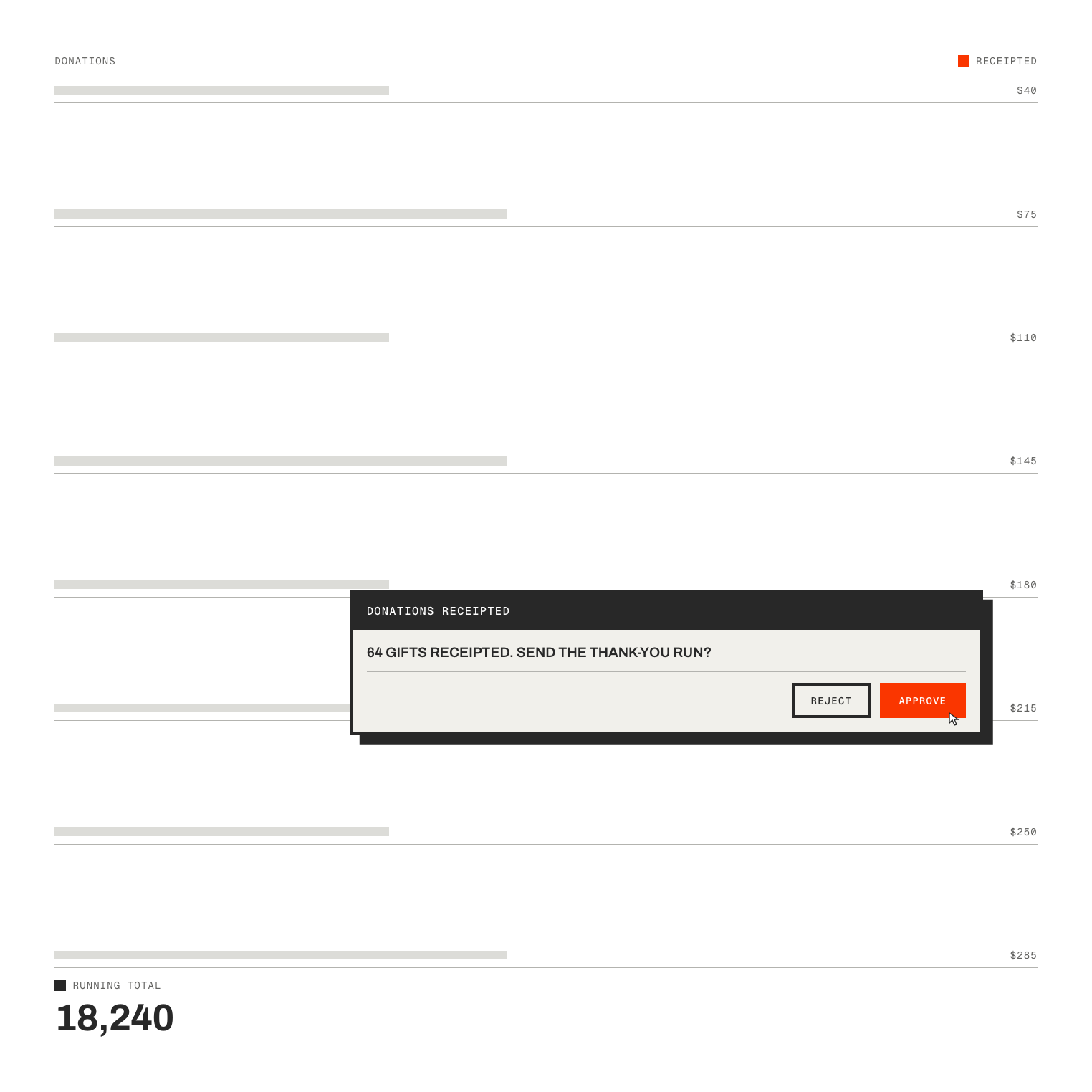
Approve or reject in a click
Actions waiting on your say-so sit in one queue, so nothing gets missed or held up.
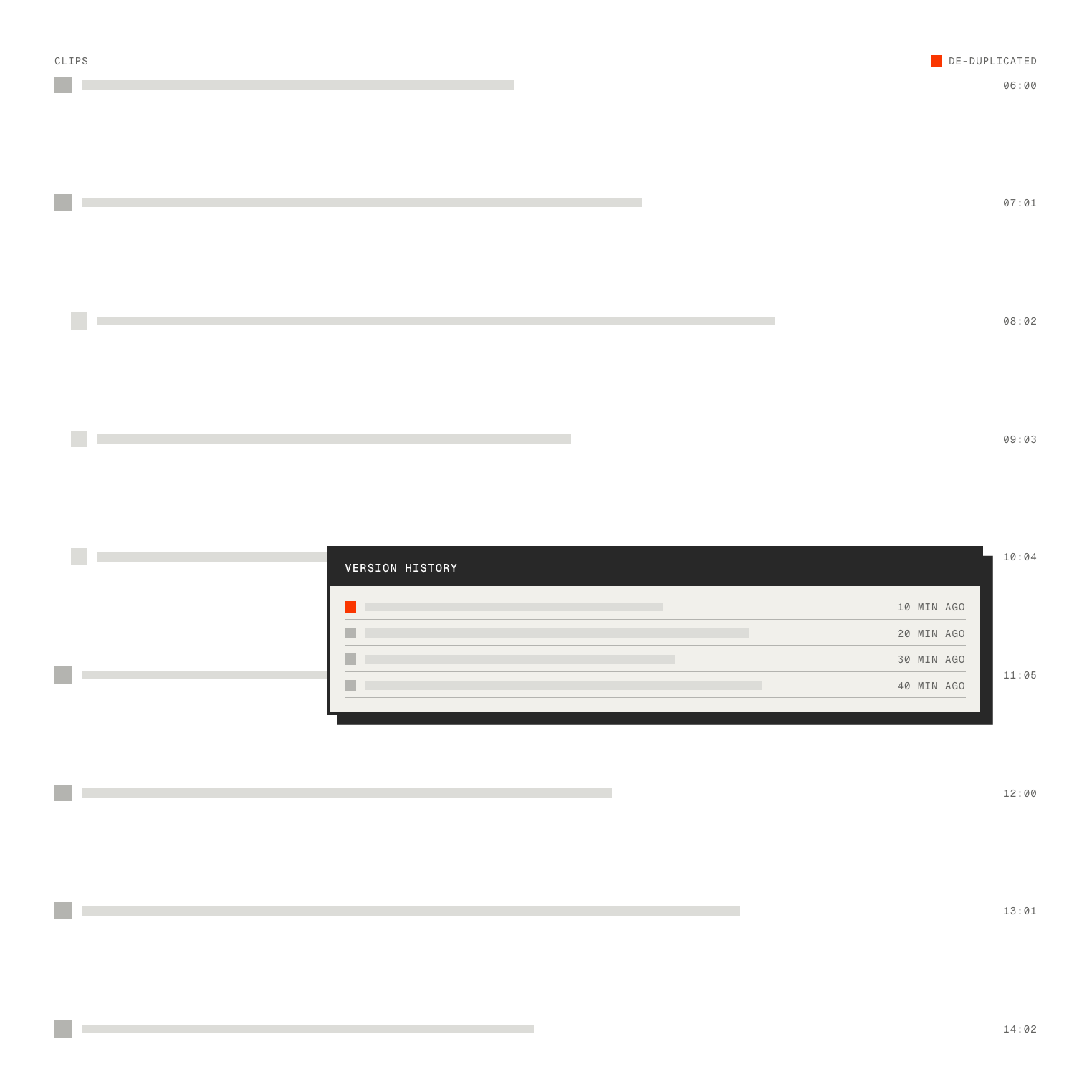
A clear record of every change
See what Progress changed, when, and why, so you can trace any action back to the person who approved it.
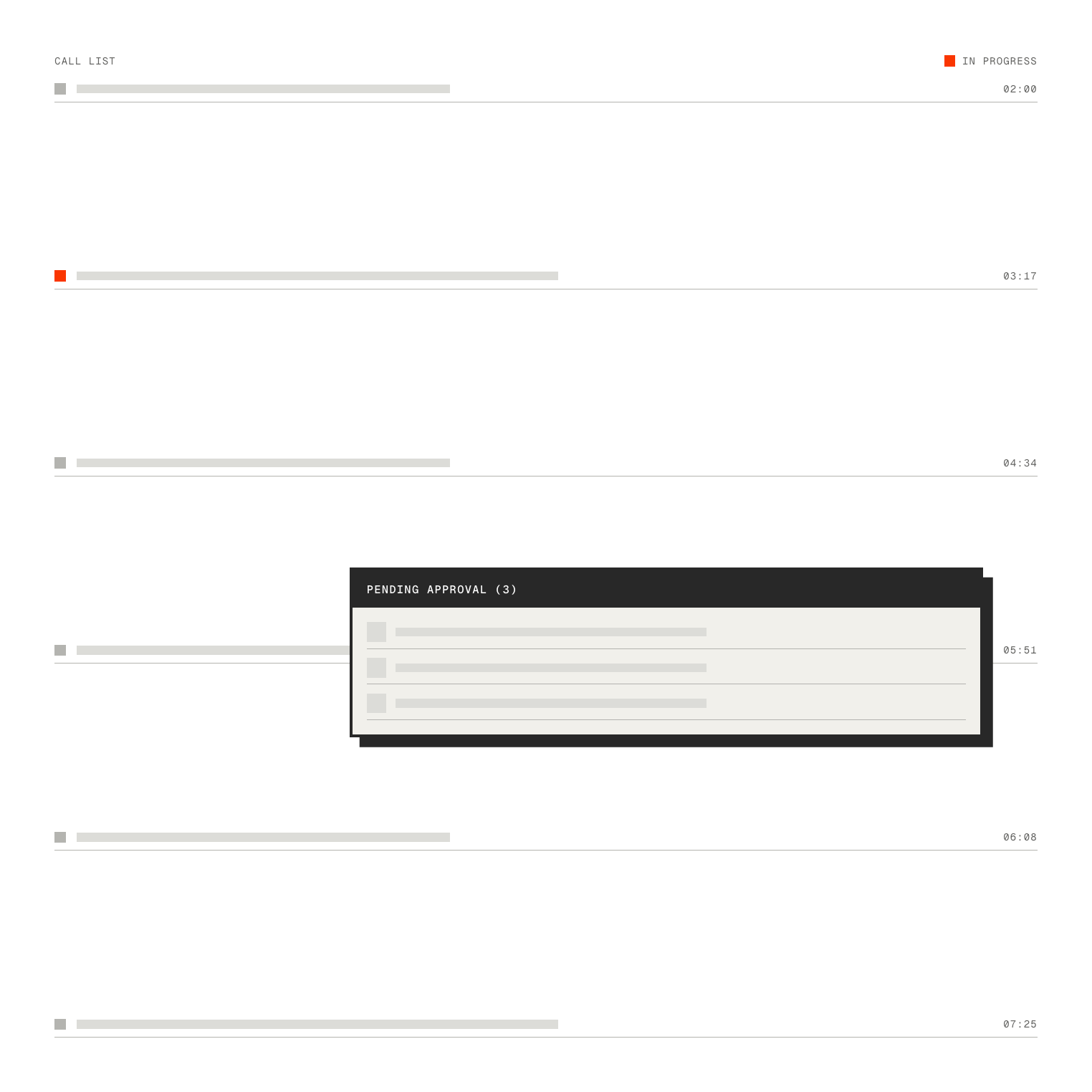
Know who approved what
Track approvals across your team, so standards stay consistent and accountable.
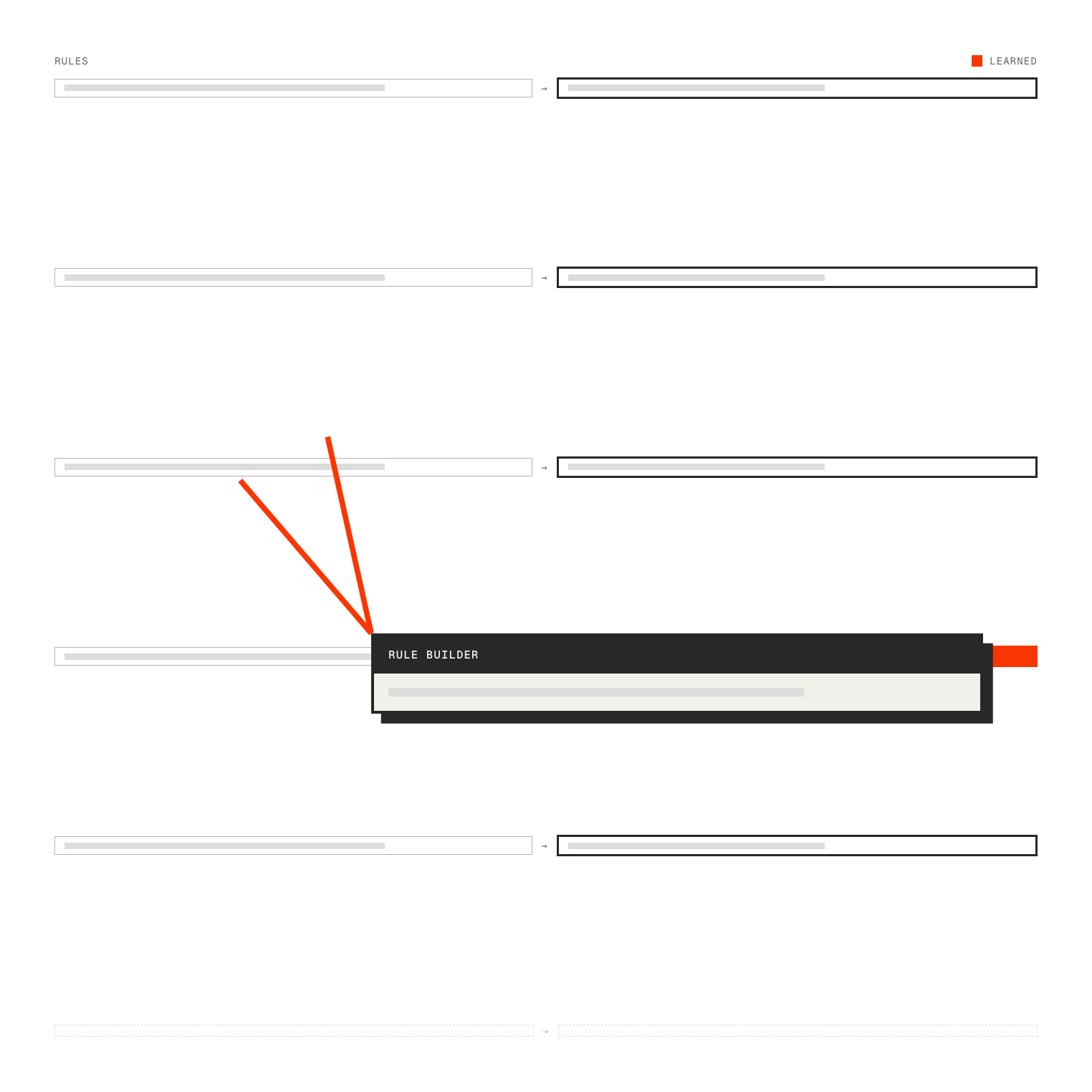
Set the rules once
Tell Progress your organisation's standards — approved tools, data rules, who reviews what — and it applies them everywhere, learning as it goes.
From activity to oversight, in 3 steps
Keep track of every change Progress makes, keep your team aligned, and keep control across all your campaigns.
[Scroll to continuE]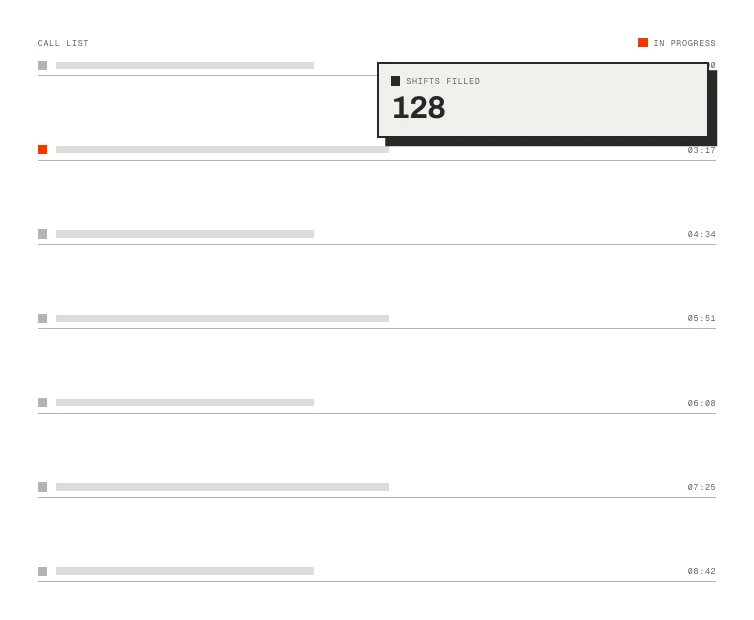
Got questions? We’ve got answers
SEE WHAT PROGRESS CAN DO IN YOUR CAMPAIGN
Book a demo and we'll show Progress working inside one of your own campaigns.